
Vidmore Screen Recorder
Mac OS of the Day

Vidmore Screen Recorder

5.0 FREE
  • Screenshot 1
  • Screenshot 2
  • Screenshot 3
  • Screenshot 4
  • Screenshot 5

Description

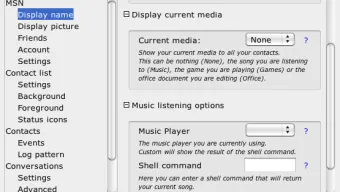
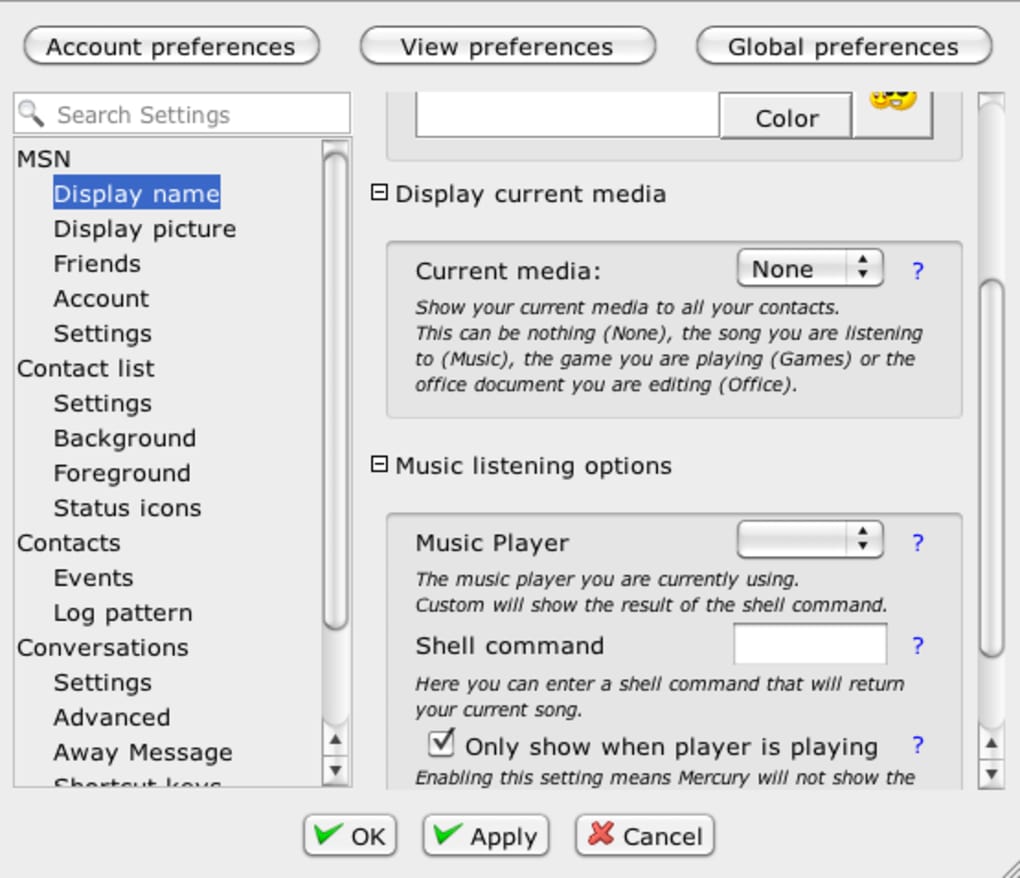
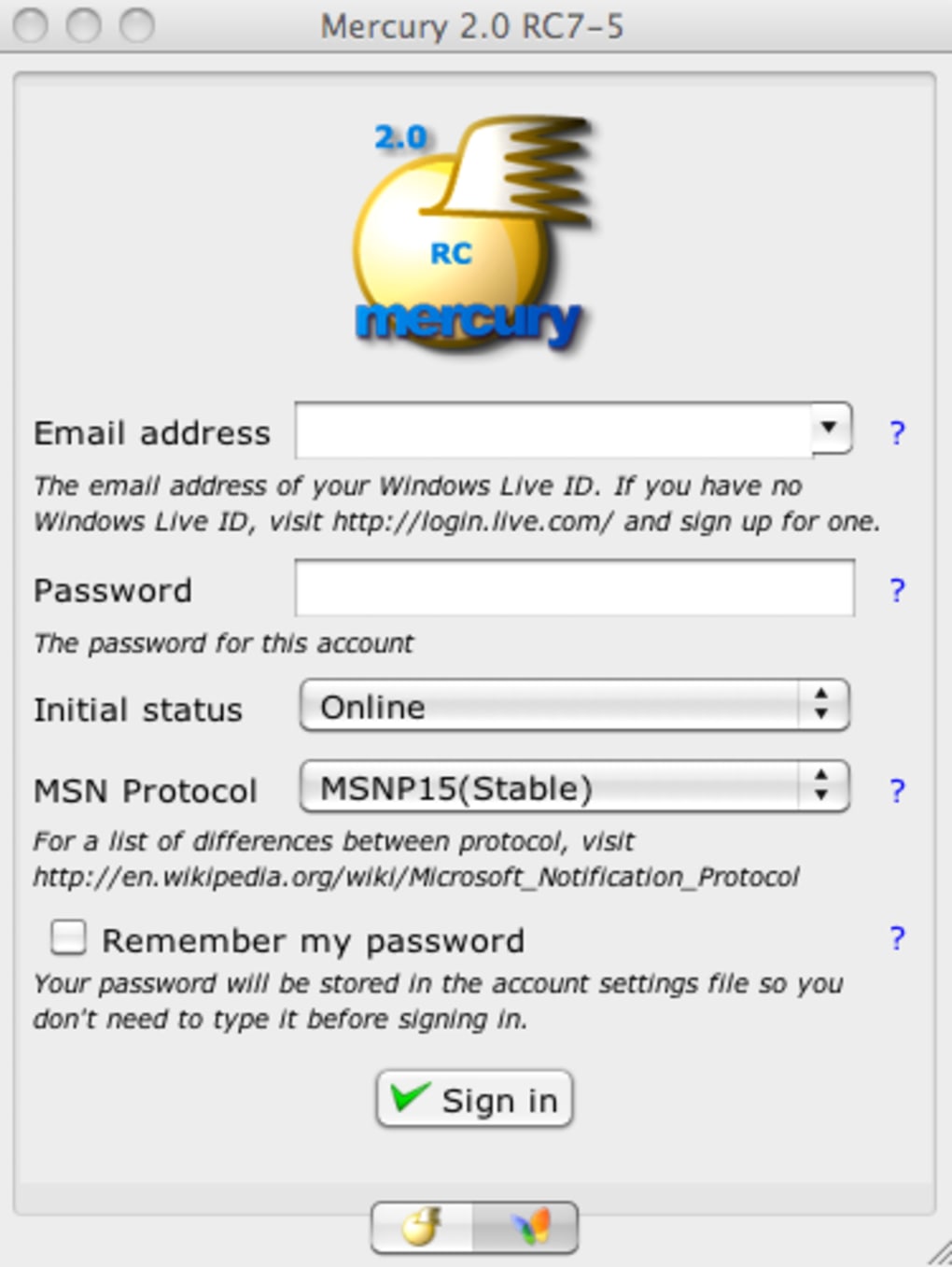
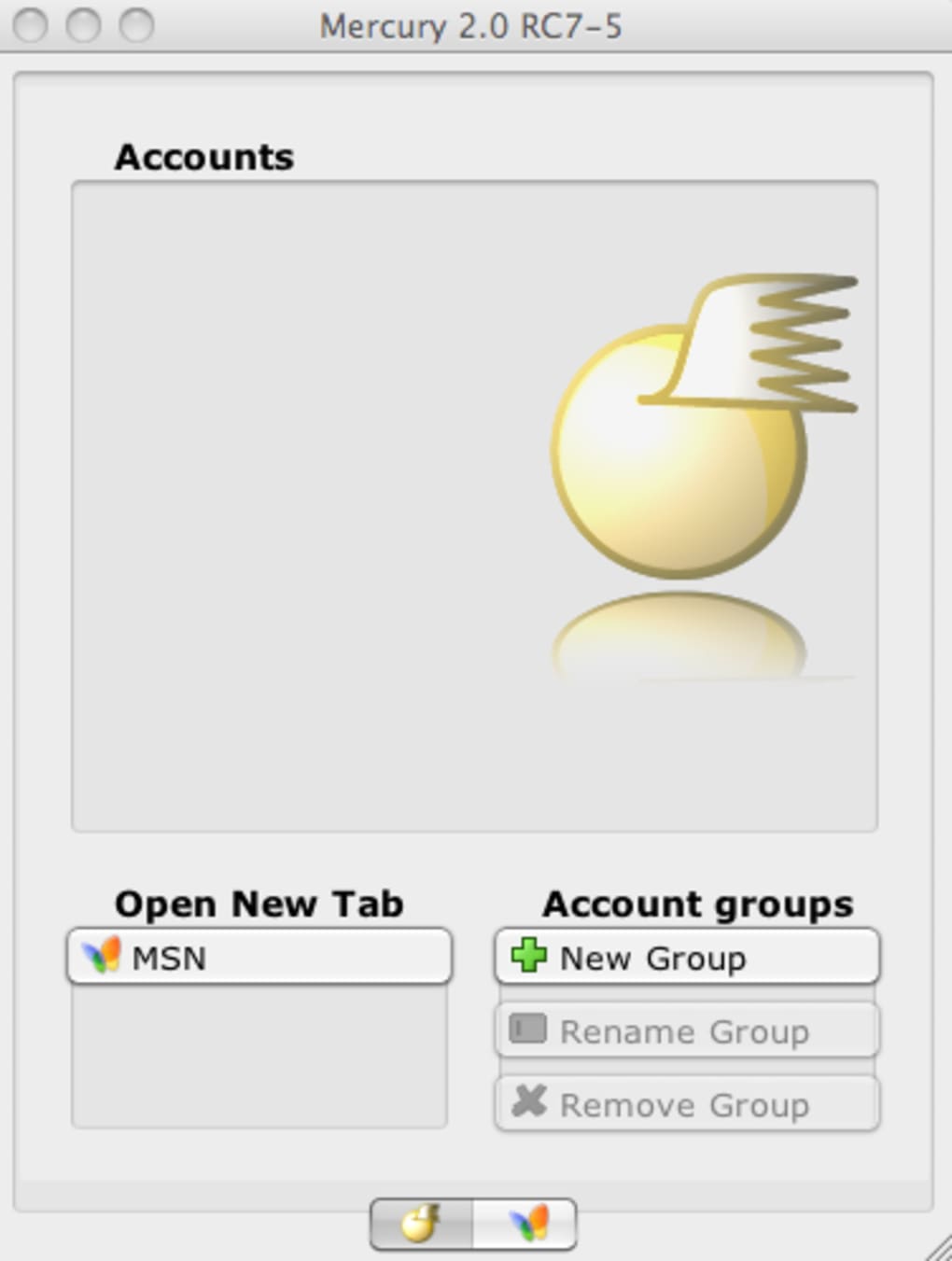
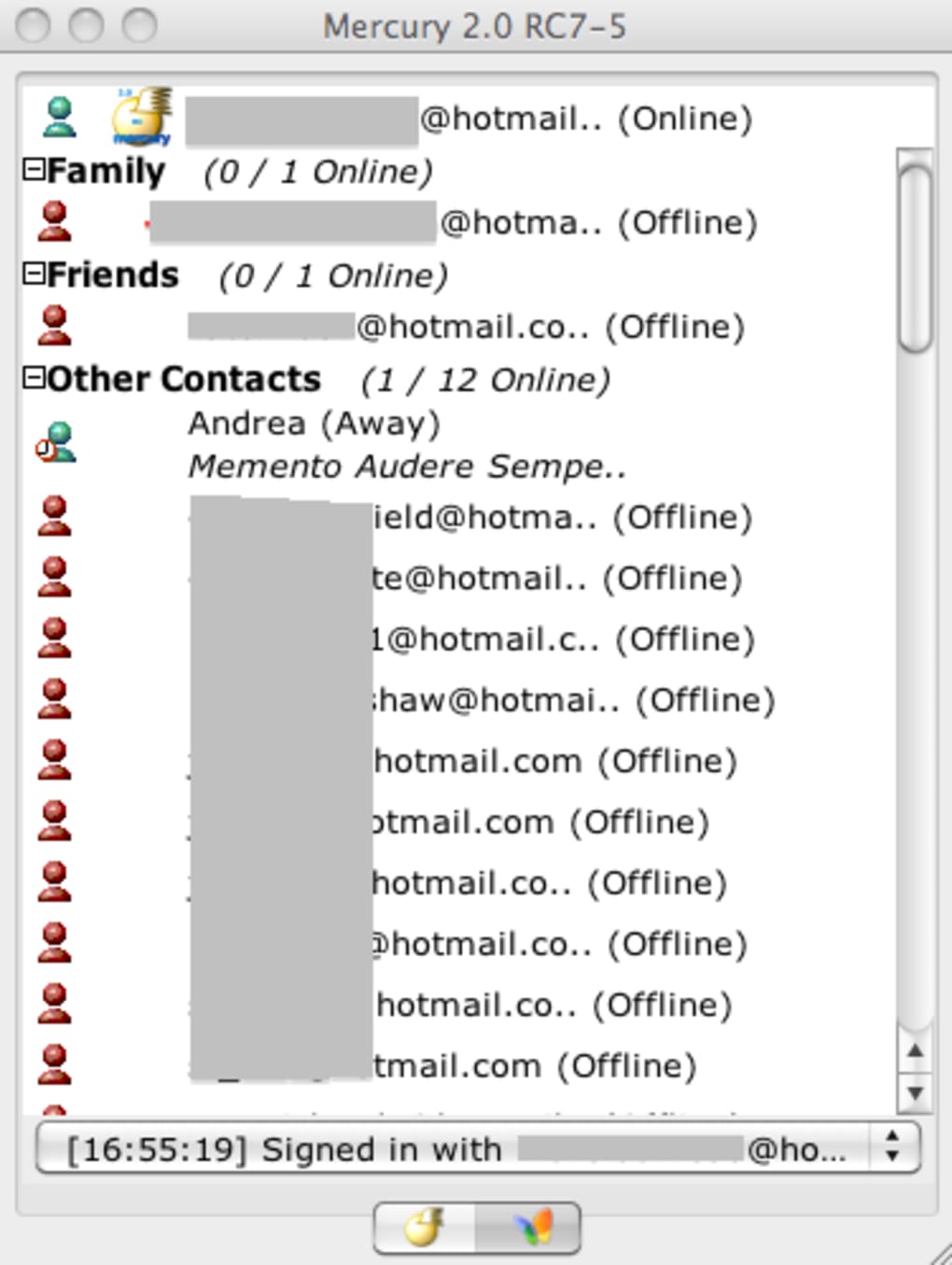
Java based MSN Messenger IM client Mercury Messenger , previously known as MM or dMSN, is a free alternative to MSN Messenger offering almost all the same features. Mercury Messenger is a Java based IM client which allows you to connect to your Windows Live or Hotmail account and chat with your contacts. Despite being based on Java, Mercury Messenger is remarkably lightweight, easy to use and allows you to do pretty much most things you can with the standalone client. This includes organizing contacts by groups, use emoticons, send files and activate your webcam during chats. You may also like 3.7 Free Microsoft Teams Download Microsoft Teams for Mac: Seamless collaboration made simple 4 Free Whatsapp A free feature-filled desktop messenger 3.2 Free Zoom Meetings A simple free tool to conduct virtual meetings The interface itself is similar to that of MSN Messenger albeit a bit more basic. Some elements are placed a little clumsily here and there, making Mercury Messenger slightly unintuitive to use but luckily, the interface is interchangeable so if you find a good skin on the developer website, you can use that instead. Perhaps the most unique feature about Mercury Messenger is the RSS support. Mercury allows you to add and preview RSS feeds . This sounds a bit weird for an IM client and the result is a bit awkward, akin to feed reading on a mobile device. Mercury Messenger also has a tabbed interface which allows you to open and work with multiple accounts although having too many open simply ends up confusing. Although missing the most recent features of MSN Messengers and despite a weaker interface, Mercury Messenger is a good alternative with RSS and multiple account support. Changes No release notes available.

Guides & Tutorials for Mercury Messenger

How to install Mercury Messenger
  1. Click the Preview / Download button above.
  2. Once redirected, accept the terms and click Install.
  3. Wait for the Mercury Messenger download to finish on your device.
How to use Mercury Messenger

This software is primarily used for its core features described above. Open the app after installation to explore its capabilities.

User Reviews for Mercury Messenger 0

    No reviews found

Similar Apps




